Dynamic Pricing Setup Ebook
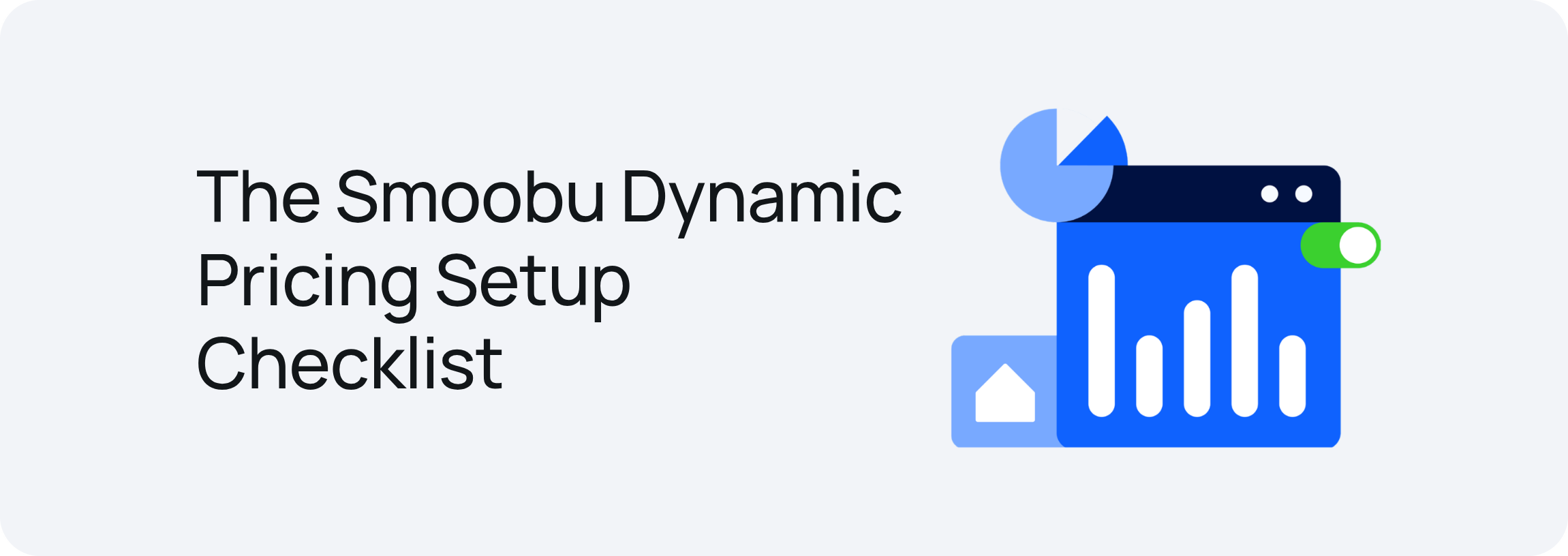
Switch on dynamic pricing in one afternoon
The last guide in our pricing series walks you through setting up Smoobu Dynamic Pricing step by step, from clearing old prices to going live with your first rates. Tick each box as you go, then keep your prices on track with a 10-minute weekly check in your first 30 days.
Download your free setup checklist now
Included in our ebook
Get set up

Clear old prices and other pricing tools

Check your channels' carry prices

Activate and set your strategy
Keep it running

Complete your property data and go live

A 10-minute weekly check for your first 30 days

Quick fixes and what to do before your trial ends
How this ebook will benefit you

Set Up in
One Afternoon
Seven clear steps take you from your first click to live prices, with a box to tick for each one.

Clear What Could Overrule You
Find manual prices — prices set directly on Airbnb and other pricing tools that can quietly override your dynamic prices — and clear them first.

Reach Every
Channel
Check that each property is connected and price synchronization is switched on, so your new prices reach all your connected channels.

Enter Your Strategy With Confidence
Use your numbers from the Pricing Rules Playbook: minimum and maximum price, pricing method, and strategy level.

Check Your Progress in 10 Minutes
A short weekly routine: compare your booking pace, spot nights stuck at your minimum price, and change one setting at a time.

Fix Issues Fast
A quick-fix table shows what to do when prices barely change, one date never moves, or a property shows Unavailable.
Our Dynamic Pricing Guide Series
Three short guides take you from "Am I charging enough?" to dynamic prices that run on their own. Written for hosts with one property or a few.
10 yes-or-no questions and see where your pricing loses money: early sell-outs, empty nights, and missed peaks.
Work out your minimum and maximum price based on your real costs, starting price, and minimum stays.
Every step to switch on Dynamic Pricing, plus a 10-minute weekly check for your first 30 days.
Prefer to read first? Our dynamic pricing guide explains the basics, and the help center shows how to turn on Smoobu Dynamic Pricing.